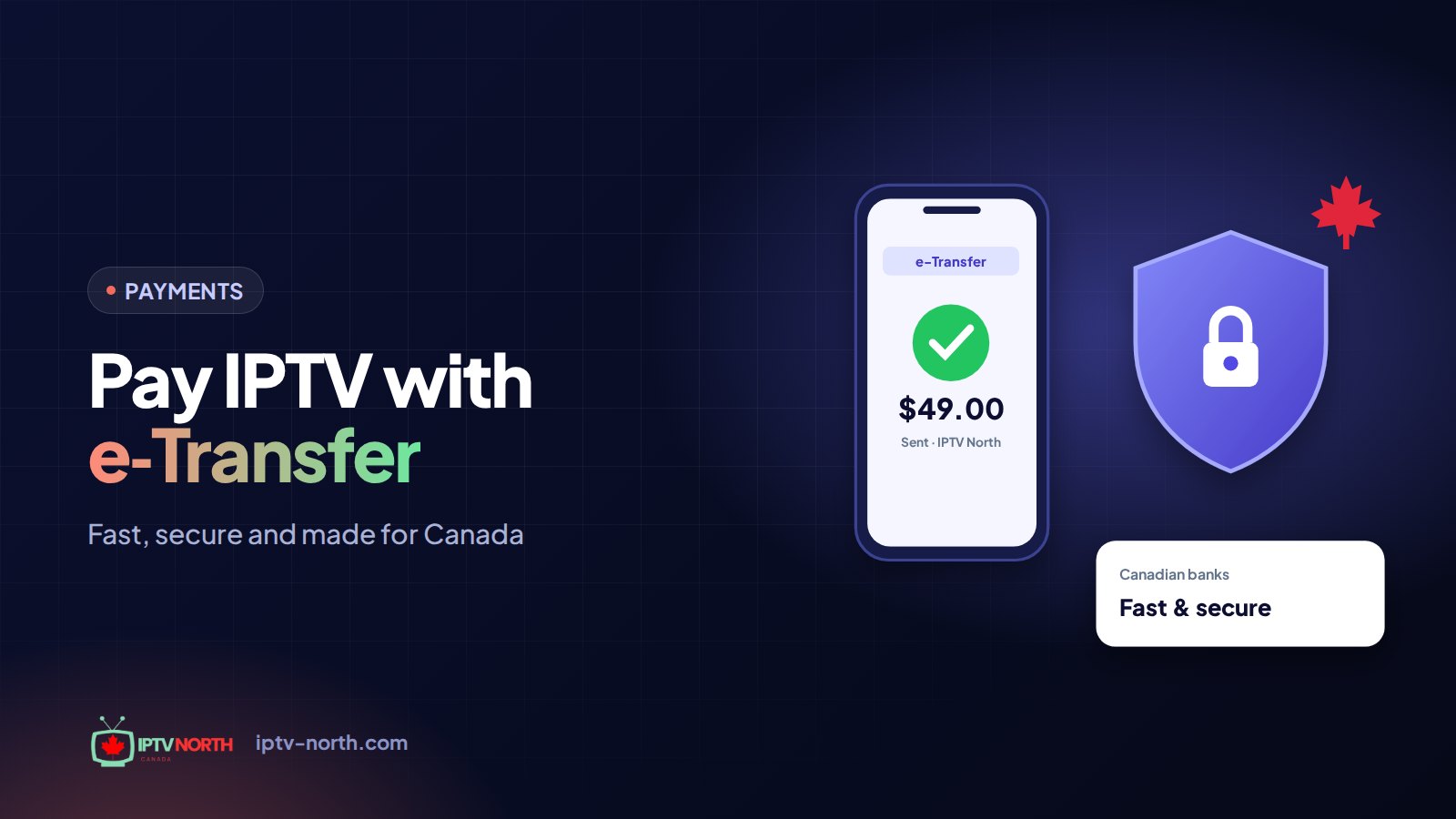
You have tested the channels, the picture looks great on your TV, and you are ready to subscribe. Then comes the checkout page, and the familiar hesitation: do you really want to type your credit card number into yet another website? With IPTV North, you do not have to. You can pay for IPTV by Interac e-Transfer, straight from the bank app already on your phone.
This guide walks you through the whole process: what Interac e-Transfer is, the exact steps to send your payment, what to write in the message field, how your money and data stay protected and what to do if something goes sideways.
What Is Interac e-Transfer and Why Use It to Pay for IPTV?
Interac e-Transfer is Canada's built-in way to send money from one bank account to another using only an email address or mobile number. It lives inside the online banking of almost every Canadian bank and credit union, so there is nothing new to download or sign up for.
For an IPTV subscription, that brings a few real advantages:
- No card details online. Your credit card number, expiry date and security code are never involved.
- No automatic charges. You decide when to pay. Nothing is billed behind your back when a plan ends.
- Familiar and Canadian. It is the same tool you use to pay a roommate for hydro or reimburse a friend for hockey tickets.
- Open to everyone with a bank account. You do not need a credit card or a credit history.
Why IPTV North Does Not Ask for a Credit Card
Plenty of Canadians would rather not hand over card details to an online service, and we understand why. Choosing Interac e-Transfer as our payment method keeps things simple on both sides:
- You pay only when you choose to, for the period you choose.
- We never store your banking credentials or card information.
- There are no surprise renewals and no subscription traps.
- The same method works whether you are in Halifax, Winnipeg or Kelowna.
And because our 24-hour trial costs just $2.99 and is paid the same way, by Interac e-Transfer, you can test everything before committing to a plan.
Before You Pay: A Quick Checklist
Take one minute to gather these details. It makes the payment faster and helps us activate your account without delay.
- The plan you want (1, 3, 6 or 12 months)
- The exact amount in Canadian dollars
- The payment email address shown at checkout
- Your order number or the email address you registered with
- Access to your bank app or online banking
IPTV North plan prices
| Plan | Price (CAD) | Devices |
|---|---|---|
| 1 month | $19 | 1 device |
| 3 months | $29 | 1 device |
| 6 months | $49 | 1 device |
| 12 months | $79 | 1 device |
Every plan includes 25,000+ live channels, 120,000+ movies and series on demand, 4K/FHD streams and no contract. Full details are on the pricing page.
How to Pay for IPTV by Interac e-Transfer: 6 Steps
Step 1: Choose your plan on IPTV-North.com
Pick the plan length that suits you. Many viewers start with 1 month to see a full cycle of hockey nights and movie weekends, then switch to the 12-month plan for the best value. Each plan covers one device, so if you want the bedroom TV and the living room TV running at the same time, plan for two subscriptions.
Step 2: Select Interac e-Transfer at checkout
The checkout page shows the payment email address and your reference details. Copy them or keep the page open in another tab.
Step 3: Log in to your bank
Open your usual banking app or website. Look for a menu such as Send Money, Transfers or Interac e-Transfer. The label varies from bank to bank, but it is usually on the main screen.
Step 4: Add IPTV North as a recipient
Create a new contact using the payment email address from checkout. You only need to do this once; next time, IPTV North will already be in your list.
Step 5: Enter the amount and your reference
Type the exact plan price, for example $79 for 12 months. In the message field, write your order number or the email you registered with, such as "Order 12345" or "jane.doe@email.com – 12 months". Double-check everything, then confirm.
Step 6: Watch your inbox
Once your transfer is received and confirmed, your subscription is activated, usually within 1 to 2 hours. You will get an email with your login details. Open your player app, sign in and follow the installation guide for your device if you need help.
What to Write in the Message Field (and What Not To)
The message field is how we match your payment to your account. A clear reference means faster activation.
| Do write | Do not write |
|---|---|
| Your order number | Your banking password or card number |
| The email you signed up with | Security answers for your bank |
| The plan length you are paying for | Long personal details you would not share by email |
If your bank asks you to set a security question and answer, share the answer with us separately through chat or email at service@iptv-north.com, never inside the transfer message itself.
Is Paying for IPTV by Interac e-Transfer Safe?
Interac e-Transfer runs through your own bank's secure systems. A few layers protect you:
- Your bank's login security. You sign in with your own credentials, and many banks add a one-time code sent to your phone.
- No card data exchanged. There is no card number for anyone to intercept or misuse.
- Bank-to-bank delivery. The money moves between financial institutions, not through a third-party checkout.
- A clear paper trail. Your bank keeps a record of every transfer, with date, amount and recipient.
On our side, IPTV North only sees what a transfer normally shows: the amount, the sender's name and your message. We never receive your account number or banking login.
Simple habits that keep you safer
- Send transfers only to the payment address shown on IPTV-North.com.
- Be cautious with any message claiming to be from us and asking you to pay a different address. When in doubt, contact our support first.
- Keep your transfer confirmation number until your account is active.
Interac e-Transfer Fees and Timing
IPTV North does not add any processing fee to Interac e-Transfer payments. Whether your bank charges a fee depends on your own account plan; many Canadian chequing accounts include e-Transfers at no extra cost, so check with your bank if you are unsure.
Timing is straightforward:
- Sending the transfer: usually under two minutes once you are familiar with your bank app.
- Activation: usually within 1 to 2 hours after the payment is confirmed. Payments sent late in the evening may take a little longer.
- Renewals: Interac e-Transfer is manual, so nothing renews on its own. Simply send a new transfer before your plan ends.
Canadian Banks That Offer Interac e-Transfer
Almost every financial institution in the country supports it, including:
- Big banks: RBC, TD, Scotiabank, BMO and CIBC
- Québec favourites: Desjardins and National Bank
- Online banks: Tangerine, Simplii Financial and EQ Bank
- Regional institutions: ATB Financial in Alberta and credit unions across the provinces
If you can bank online in Canada, you can almost certainly send an Interac e-Transfer.
Interac e-Transfer Compared With Other Common Payment Methods
Online services use many ways to take payment. Here is how Interac e-Transfer generally compares for a Canadian paying for a streaming subscription:
| Factor | Interac e-Transfer | Credit card online | Gift cards |
|---|---|---|---|
| Card number shared | No | Yes | No |
| Automatic renewals | Never, you send each payment | Often, unless you cancel | No |
| Record of the payment | Clear, in your bank history | Clear, on your statement | Hard to trace |
| Credit history needed | No | Yes | No |
| Where it comes from | Your Canadian bank account | Your card issuer | A retailer |
For most households, the combination of no card details, no surprise renewals and a clear record in your bank history makes Interac e-Transfer the most comfortable way to pay.
Paying for a Reseller Account
Resellers use the same method. IPTV North reseller credit packages (Starter, Growth and Pro) are paid by Interac e-Transfer, and your reseller panel is activated once the payment is confirmed. Learn more on our reseller page.
If Something Goes Wrong
- You sent the wrong amount: contact support with your confirmation number. We will explain how to settle the difference.
- No confirmation after a few hours: check your spam folder, then reach out to us by chat or at service@iptv-north.com with your transfer details.
- Your bank flagged the transfer: banks sometimes hold first-time transfers to a new recipient. Follow your bank's instructions or call them.
- You changed your mind: please read our refund policy before paying. Once deposited, an Interac e-Transfer cannot be reversed, which is why we recommend the $2.99 24-hour trial first.
Frequently Asked Questions
Can I pay for IPTV by Interac e-Transfer without a credit card?
Yes. All you need is a Canadian bank account with online or mobile banking. No credit card is required, either for your subscription or for the $2.99 24-hour trial.
How long does activation take after I send an Interac e-Transfer?
Usually 1 to 2 hours after the payment is confirmed. You will receive an email with your login details as soon as your account is live.
Does IPTV North charge a fee for Interac payments?
No. We add no processing fee. Any fee would come from your own bank, depending on your account plan.
Will my subscription renew automatically?
No. Interac e-Transfer is a one-time payment each time you send it. You stay in control and simply send a new transfer when you want to renew.
What if I forget to include my order number?
Your payment will still arrive, but matching it may take longer. Send us your transfer confirmation by chat or email and we will link it to your account.
Is my banking information shared with IPTV North?
No. We only see the amount, the sender's name and your message. Your account number and banking credentials stay with your bank.
The Easy Way to Pay for IPTV by Interac e-Transfer
Paying for IPTV by Interac e-Transfer is quick, familiar and keeps your card details off the internet. Pick your plan, send the transfer from your bank app with your order number in the message, and your IPTV North access is on its way. Want to try it first? Start with the 24-hour trial for $2.99, then subscribe in a few taps when you are ready. Questions? Our Canadian team is available 24/7 through the contact page.