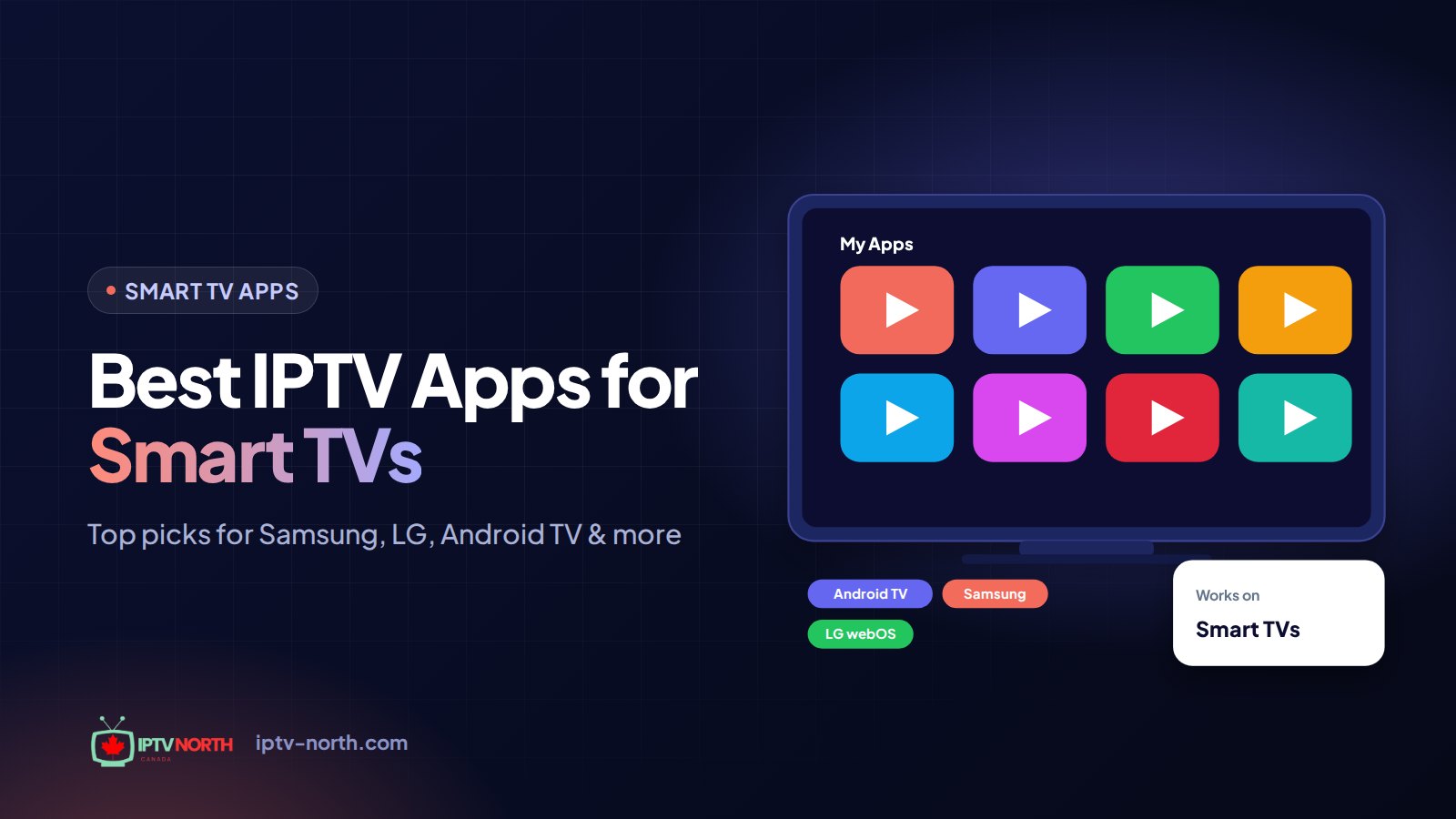
You unboxed a big new television after the Boxing Day sales, mounted it on the living room wall, and now you want live hockey on it without renting another cable box. The good news: finding the best IPTV apps for Smart TVs in Canada is mostly a question of which operating system your TV runs. A Samsung behaves nothing like a Sony, and a TCL can be either a Google TV or a Roku TV depending on the model.
This guide goes platform by platform. For each one, you will see which players install cleanly, which ones are missing from the store, and when it makes more sense to plug in a small streaming stick. At the end, you will find a comparison table, sign-in instructions for your IPTV North account, and a handful of settings that make a real difference on game night.
Why the App Matters More Than the Screen
Every IPTV player does the same basic job: it takes the login details from your subscription and turns them into a channel list, a TV guide and a movie library. The content itself (25,000+ live channels and 120,000+ movies and series with IPTV North) is identical no matter which app you pick. What changes is the experience around it.
A good player gives you:
- A readable programme grid you can scroll with a remote
- Fast channel switching, even between 4K and FHD feeds
- Favourites and hidden groups, so you are not wading through thousands of entries
- A search bar that finds "Sportsnet" or "RDS" in two clicks
- Stable playback that recovers quickly from a hiccup in your connection
A weak player, on the other hand, can make a solid subscription feel sluggish. That is why the app choice deserves ten minutes of thought before you sign in.
Best IPTV Apps for Smart TVs in Canada, Sorted by TV Brand
Canadian living rooms are dominated by a handful of platforms. Here is how each one handles IPTV players in 2026.
Samsung (Tizen OS)
Samsung sets are among the most common in Canada, and also among the most locked down. The Samsung app store carries a limited selection of IPTV players, and sideloading is not an option for everyday users.
- Smart IPTV (SIPTV): the long-standing native option on Tizen. You upload your M3U playlist link through the developer's website, and the TV app picks it up. It asks for a small one-time activation fee paid to the app developer.
- IPTV Smarters Pro: available on some Tizen models and regions; availability changes, so check your store first.
- Easiest route: many Samsung owners simply connect a Fire TV Stick or an Android TV box to a free HDMI port. You then get the full catalogue of players without fighting the store.
LG (webOS)
LG's Content Store is friendlier to IPTV than Samsung's. On most recent webOS models, you can search for and install a player directly.
- IPTV Smarters Pro: the most common pick on LG, with Xtream Codes sign-in and an automatic guide.
- Smart IPTV (SIPTV): works the same way as on Samsung, through an M3U link.
- Tip: the LG ThinQ phone app lets you type long server addresses with your phone keyboard instead of the on-screen one.
Android TV and Google TV (Sony, TCL, Hisense Android models, Philips)
This is the most flexible family for IPTV. With the full Google Play Store, you can install nearly every serious player directly on the TV.
- TiviMate: the favourite of many sports fans thanks to its cable-style guide grid. The free version is fine for most homes; the paid tier adds recording and multiple playlists.
- IPTV Smarters Pro: simpler menus, strong movie and series sections, quick setup.
- Perfect Player: lightweight and highly configurable; a good fit for older or entry-level Android TVs with limited memory.
- GSE Smart IPTV: handy if your household also uses iPhones and iPads, since the same app exists on Apple devices.
Hisense VIDAA
Many budget and mid-range Hisense TVs sold in Canada run VIDAA rather than Android. Its store is growing, and some regions list IPTV Smarters or Smart IPTV, but the selection is uneven. If your preferred player is not there, an external stick or box is the reliable fix.
TCL and Other Roku TV Models
TCL sells both Google TV and Roku TV versions of similar-looking sets, so check your settings menu before shopping for apps. Roku OS does not offer the usual IPTV players. IPTV North can still work on Roku through a workaround (such as screen mirroring from a phone or tablet), but for everyday viewing, adding a Fire TV Stick or Android TV box gives a far better result.
Apple TV and Fire TV (Added to Any Set)
If your TV's own store falls short, these two devices turn any screen with HDMI into a capable IPTV player:
- Fire TV Stick: installs IPTV Smarters Pro, TiviMate or V12Mate through the Downloader app. Our Firestick setup guide covers it step by step.
- Apple TV: GSE Smart IPTV and other players from the App Store support Xtream Codes or M3U playlists.
A Closer Look at the Six Players Worth Installing
Here is what each app does well, and where it falls short.
IPTV Smarters Pro. The generalist. It runs on the largest number of platforms (Android TV, Fire TV, some LG and Samsung models, iPhone, Windows and more), so your family can use one familiar interface everywhere. Movies and series are nicely organised, and the guide loads automatically when you sign in with Xtream Codes.
TiviMate. The guide specialist. Its grid looks and scrolls like a traditional cable guide, which makes a busy Saturday with several NHL games much easier to follow. It is Android-only, so Samsung and LG owners need an external device.
Smart IPTV (SIPTV). The native answer for Tizen and webOS. Setup is less elegant (playlist uploaded through a web page), but you avoid buying extra hardware.
V12Mate. A clean, remote-friendly player built around the Fire TV experience. Installation is quick. Do not install it alongside TiviMate on the same device, since the two are known to conflict.
GSE Smart IPTV. The cross-platform option for mixed Android and Apple homes. It accepts Xtream Codes, M3U and a custom guide address, and supports several playlists in the free version.
Perfect Player. For tinkerers. You enter the playlist and the guide address separately, then adjust layouts, fonts and buffer settings to taste. It stays responsive on modest hardware.
Built-In TV App or Streaming Stick?
Plenty of readers ask whether they should run the player on the television itself or hand the job to a small external device. Both approaches work; the right one depends on your TV and your patience.
Stay with the built-in app when:
- Your TV runs Android TV or Google TV and has a recent processor
- You own an LG with IPTV Smarters Pro available in the Content Store
- You want a single remote and no extra cables behind the screen
- The TV is mostly for casual viewing: news, series, a movie on Friday night
Add a stick or box when:
- You have a Samsung, a VIDAA-based Hisense or a Roku TV and your preferred player is missing
- The TV is a few years old and menus feel slow
- You want TiviMate's guide on a non-Android television
- You plan to move the setup between rooms, or bring it to the cottage for the long weekend
A streaming stick is a one-time purchase, not a monthly rental, and it often outlives the software updates of the TV it is plugged into. An older Smart TV paired with a modern stick often feels faster than a brand-new budget TV running its own apps.
What About Several TVs in the Same Home?
Picture a Winnipeg family with a Samsung in the basement, an LG in the living room and a Google TV in the kids' room. Each screen can run a different player, and they all connect to the same kind of IPTV North login. Keep in mind that the listed plans cover one device at a time, so if several people want to watch at once, ask support about options for extra connections before setting up every room.
A simple approach for mixed homes:
- Use IPTV Smarters Pro wherever it is available, so everyone learns one interface
- Keep TiviMate for the main sports TV if it runs Android
- Save Smart IPTV for the Samsung that has no stick attached
IPTV Apps for Smart TVs: Comparison Table
Use this table as a shortcut when you already know which platform you own.
| Player | Samsung / LG | Android TV / Google TV | Fire TV Stick | Sign-in type | Guide (EPG) | Price |
|---|---|---|---|---|---|---|
| IPTV Smarters Pro | ✔ Some models | ✔ | ✔ | Xtream Codes + M3U | ✔ Automatic | Free |
| TiviMate | ✘ | ✔ | ✔ Sideload | Xtream Codes + M3U | ✔ Best grid | Free / paid tier |
| Smart IPTV (SIPTV) | ✔ Native | ✘ | ✘ | M3U only | ✔ Manual address | Small one-time fee |
| V12Mate | ✘ | ~ Varies | ✔ Best fit | Xtream Codes | ✔ Automatic | Free |
| GSE Smart IPTV | ✘ | ✔ | ✘ | Xtream Codes + M3U | ✔ Custom address | Free |
| Perfect Player | ✘ | ✔ | ✘ | M3U only | ✔ Manual address | Free |
Shortcut by household:
- Samsung owner, no extra hardware: Smart IPTV, or add a Fire TV Stick for more choice
- LG owner: IPTV Smarters Pro straight from the Content Store
- Sony, TCL Google TV, Hisense Android: TiviMate or IPTV Smarters Pro
- Roku TV: add a Fire TV Stick or Android box for daily use
- Mixed Android and Apple family: GSE Smart IPTV or IPTV Smarters Pro on every screen
Signing In to IPTV North on Your Smart TV
Once your trial or plan is active, your welcome email contains everything you need. There are two ways to connect.
Option 1: Xtream Codes (Fastest)
- Open your player and choose Add playlist, Add user or Login with Xtream Codes API.
- Enter the server address, username and password exactly as they appear in the email.
- Confirm and wait while the app downloads the channel list, guide and on-demand library. This usually takes under two minutes.
- Mark your go-to channels (TSN, Sportsnet, CBC, TVA, RDS, local news) as favourites.
With this method, the TV guide fills itself in. Nothing else to configure.
Option 2: M3U Link (Smart IPTV, Perfect Player)
- Choose M3U playlist or Remote playlist in the app.
- Paste the M3U link from your welcome email. For Smart IPTV, you do this on the developer's website using your TV's MAC address.
- In the app's EPG settings, add the guide (XMLTV) address. If you cannot find it, write to service@iptv-north.com or use the live chat.
If you get an error, the cause is almost always a typo in a long address. Our installation guide has screenshots for each device, and support can check your credentials with you 24/7.
Settings That Make Smart TV IPTV Feel Like Cable
A few quick adjustments often matter more than the app itself.
- Plug in an Ethernet cable if your TV has a port. A wired connection from your Rogers, Bell, Telus or Vidéotron modem is steadier than Wi-Fi, especially in a condo tower full of competing networks.
- Stick to 5 GHz Wi-Fi when a cable is impossible. The 2.4 GHz band is slower and more crowded.
- Choose a hardware decoder. In Android players, look for a setting such as "Player" or "Decoder" and select the hardware or ExoPlayer option for smoother 4K.
- Hide channel groups you never watch. A shorter list makes the guide faster to load and much easier to browse.
- Clear the app cache now and then. If the guide or menus start lagging, clearing the cache in the TV's app settings usually restores speed.
- Restart the TV fully once in a while. Many Smart TVs only go to standby; a full restart frees memory.
If playback still stutters, our article on fixing IPTV buffering walks through the network side in more detail.
For hockey nights: build a favourites group with TSN 1 to 5, the Sportsnet regional feeds, Sportsnet One, CBC, TVA Sports and RDS. When three NHL games overlap, you can jump between them without scrolling through the whole list.
Frequently Asked Questions
Which IPTV app should I use on a Samsung TV in Canada?
On Tizen, Smart IPTV is the most dependable native option, and IPTV Smarters Pro appears on some models. If you want TiviMate or a wider choice, connect a Fire TV Stick to an HDMI port and install the player there.
Can I install TiviMate directly on an LG or Samsung television?
No. TiviMate is built for Android TV and Google TV. LG and Samsung owners can still use it by adding an Android TV box or a Fire TV Stick, which sends the picture to the TV through HDMI.
Is it possible to watch IPTV North on a Roku TV?
Roku OS does not carry the usual IPTV players, so a workaround is needed, such as mirroring from a phone or tablet. For comfortable daily use, most Roku TV owners add an inexpensive Fire TV Stick or Android TV box.
Does the TV guide fill in automatically?
Yes, when you sign in with Xtream Codes in apps like IPTV Smarters Pro, TiviMate, GSE Smart IPTV or V12Mate. Apps that only accept an M3U link need the guide address entered once in their settings.
What internet speed does my Smart TV need?
Aim for a steady 10 Mbps for FHD and around 25 Mbps for 4K. Consistency matters more than peak speed, which is why a wired connection usually beats fast but unstable Wi-Fi.
Can I test the apps before paying?
Yes. IPTV North offers a 24-hour trial for $2.99, paid by Interac e-Transfer, so you can install two or three players, compare them on your own TV and keep the one you like.
Choosing the Best IPTV Apps for Smart TVs Starts With Your Platform
The best IPTV apps for Smart TVs in Canada depend less on hype and more on what your TV runs: Smart IPTV or a stick for Samsung, IPTV Smarters Pro for LG, TiviMate for Android and Google TV, and an add-on device for Roku models. Whichever route you take, your IPTV North subscription stays the same: 25,000+ channels in 4K and FHD, a huge on-demand library, no contract, and plans from $19 a month or $79 for a full year on one device.
Start with the 24-hour trial for $2.99, try a couple of players, then pick a plan on the pricing page. If anything gets stuck during setup, our Canadian team answers by chat and at service@iptv-north.com around the clock.