Picture a February night in Winnipeg: minus 30 outside, the Jets on in an hour, and a cable statement on the counter that went up again. That moment is when a lot of households start searching for the best IPTV Canada service. The problem is that most first-time buyers have no idea what separates a solid subscription from one that freezes in the third period. This guide is written for them. No jargon, no hype, just a clear checklist you can use before you spend a single dollar.
IPTV in Plain Terms
Internet Protocol Television sends live channels and on-demand titles through your home internet connection instead of a coaxial cable or a satellite dish. You install an app, enter the login details your provider sends you, and a channel list appears on screen.
If that sounds familiar, it should. The big carriers already deliver their own TV products over IP networks. An independent subscription simply uses the same principle over the open internet, which is why it runs on almost anything with a screen:
- Amazon Fire TV Stick and Android TV boxes
- Smart TVs (Samsung, LG and Android-based sets)
- iPhone, iPad and Apple TV
- Windows and Mac computers
- MAG, BuzzTV and Formuler set-top boxes
- Roku, through a simple workaround
What a Good Subscription Should Replace
Before comparing sellers, it helps to know what you are trying to replace. For most Canadian homes, it is some mix of these:
- The big sports package. NHL on Sportsnet and TSN, CFL, NFL Sundays, NBA and Premier League.
- Local and national news. CBC, CTV, Global, Citytv, CP24 and, in Quebec, TVA and RDS.
- Kids and family channels that keep the weekend running.
- Movies and series on demand, the stuff you currently pay a separate streaming app for.
- Channels in your language, whether that is French, Punjabi, Arabic, Tagalog or Portuguese.
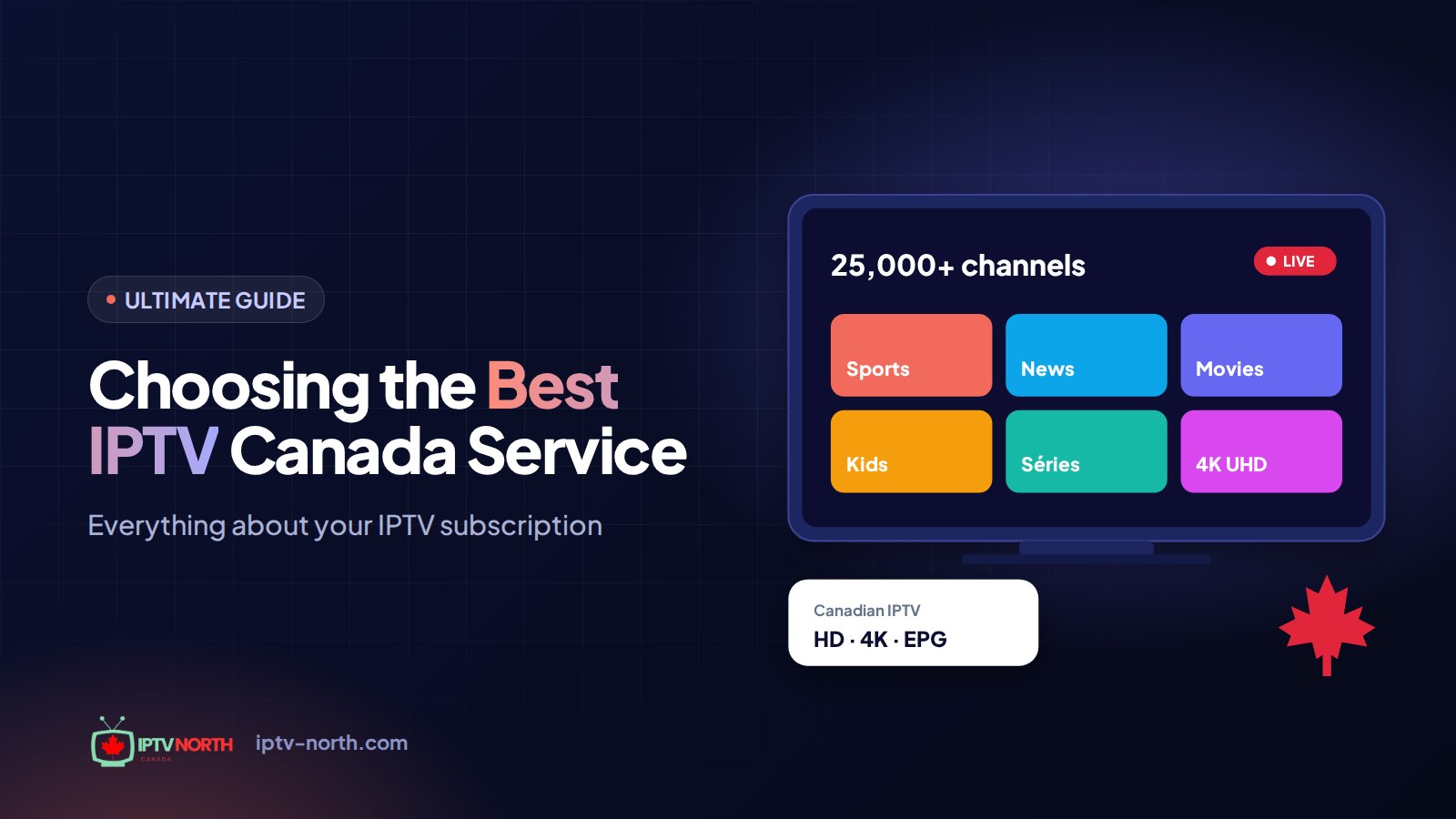
A strong service covers all five in one login. IPTV North, for example, lists more than 25,000 live channels and over 120,000 movies and series in its VOD library.
Choosing the Best IPTV Canada Service: Seven Checks
Use this list as a scorecard. A provider that fails two or more of these checks is not worth your time.
- Picture quality you can verify. Look for FHD and 4K streams, and test them yourself on a real game night rather than trusting a screenshot.
- Stability during peak hours. Saturday night hockey is the true stress test. Anything can look fine on a Tuesday morning.
- A working TV guide (EPG). You should see what is on now and next without guessing.
- Real human support. Chat and email answered by people who know Canadian ISPs and devices. IPTV North offers 24/7 help by chat and at service@iptv-north.com.
- A short, low-cost trial. A 24-hour trial lets you judge quality before committing to a plan. Ours costs $2.99, paid by Interac e-Transfer, on the trial page.
- Transparent pricing. Every plan length and its total cost listed in Canadian dollars, with no surprise renewals.
- Local payment options. Interac e-Transfer is a sign the seller actually works with Canadian customers.
| What to check | Good sign | Warning sign |
|---|---|---|
| Trial | 24 hours, $2.99 by Interac e-Transfer | "Pay first, test later" |
| Pricing | Clear CAD totals per plan | Prices only sent by private message |
| Support | Chat and email, 24/7 | A single messaging handle that goes silent |
| Contract | None, renew only if you want | Auto-billing you cannot stop |
| Payment | Interac e-Transfer | Gift cards or crypto only |
Red Flags Beginners Often Miss
Some warning signs are less obvious. Watch out for these:
- Lifetime deals. Servers cost money every month. A one-time "forever" payment rarely ends well.
- No website or a copied one. If you cannot find a contact page, a refund policy and terms, walk away.
- Channel counts with no list. Big numbers mean nothing unless you can browse the categories during a trial.
- Pressure tactics. Countdown timers and "only 3 spots left" messages are sales tricks, not quality signals.
Getting Your Home Ready
A great subscription still needs a decent connection. Here is a quick readiness check:
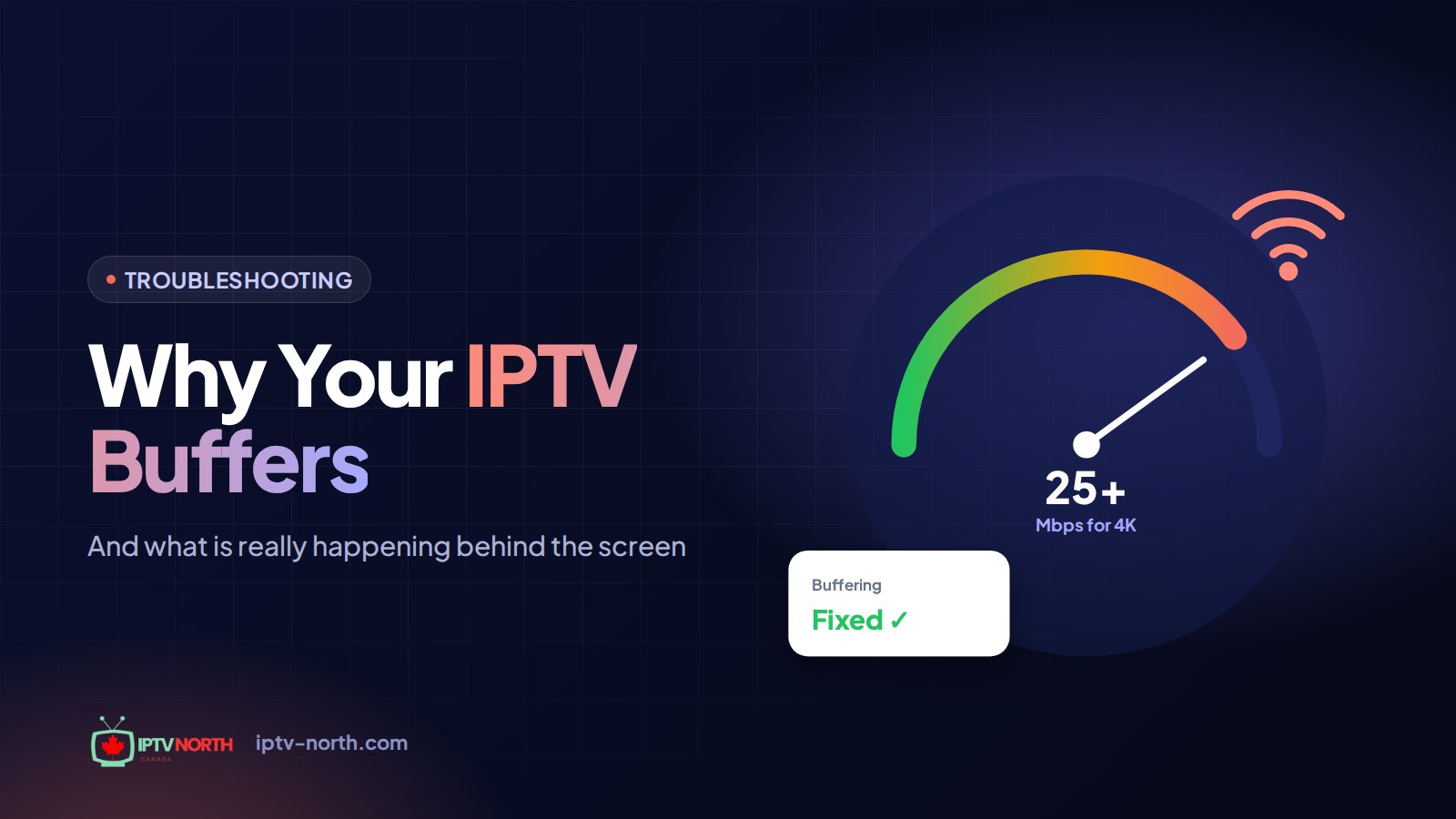
- Run a speed test on the device you plan to use. Aim for roughly 25 Mbps for HD and 50 Mbps or more for 4K.
- Prefer a wired connection for the main TV. In condos with crowded Wi-Fi, an Ethernet cable or a mesh node near the TV makes a noticeable difference.
- Choose your player app. Your provider will suggest one that suits your device.
- Follow a step-by-step guide. Our installation guide covers Fire TV, Android, Apple and Smart TV setups.
Whether you are on Rogers, Bell, Telus, Vidéotron or a smaller regional ISP, these steps apply the same way.
Is IPTV Legal to Use in Canada?
The streaming technology itself is legal and widely used by major Canadian carriers. Whether a specific service is lawful depends on the rights attached to the content it distributes. We keep this topic general and neutral; it is not legal advice. For more background, read our explainer on how IPTV legality works in Canada.
Why Beginners Start With IPTV North
We built our service around the checklist above: a $2.99 24-hour trial, simple pricing, Canadian payment and real support. Plans are priced per device, with no contract:
- 1 month: $19
- 3 months: $29
- 6 months: $49
- 12 months: $79 CAD
You can compare every option on our pricing page.
Frequently Asked Questions
Do I need special equipment to start?
No. If you own a smart TV, a Fire TV Stick, a phone or a computer, you already have what you need. A dedicated box such as a Formuler or BuzzTV is optional.
How fast should my internet be?
Around 25 Mbps comfortably handles HD, while 4K works best at 50 Mbps or more. A wired connection helps most during busy evening hours.
Can I cancel whenever I want?
Yes. There is no contract. You simply choose whether to renew when your plan ends.
How do I pay without a credit card?
IPTV North accepts Interac e-Transfer, which most Canadian bank apps support. You can read more in our guide to paying by Interac e-Transfer.
What happens if a channel stops working?
Contact support by chat or email any time of day. Most issues come down to the app, the device or the home network, and our Canadian team can walk you through a fix.
Final Word on Finding the Best IPTV Canada Service
The best IPTV Canada service for a beginner is the one that lets you test first, prices everything clearly and answers when you need help. Use the checklist, skip the red flags, and take a 24-hour trial on a busy game night before committing. If IPTV North passes your test, you will know within a day.