Picture a Saturday night in Winnipeg: the Jets are tied late in the third, and your screen stops on a blurry frame while a little circle spins. Most people react by restarting everything in sight. That sometimes works, but it doesn't tell you why IPTV buffers in the first place, so the problem keeps coming back.
This article is the "why" behind the spinning wheel. We'll follow a live channel on its trip from the server to your television, look at each place the trip can slow down, and give you simple tests to figure out which one is affecting you. Once you know the cause, the fix is usually obvious. (For the step-by-step repairs, our companion article on how to fix IPTV buffering picks up where this one ends.)
In one sentence: buffering happens whenever video arrives at your player more slowly than the player needs to show it. Everything below is about finding where that slowdown comes from.
How a Live IPTV Stream Actually Reaches Your TV
Understanding the journey makes the problem far less mysterious. When you pick a channel, several things happen in a fraction of a second:
- The source is encoded. The broadcast is compressed into small chunks of video, typically a few seconds each, at a given bitrate (the amount of data per second).
- The server sends the chunks. Your provider's servers deliver those chunks over the internet, one after another.
- Your ISP carries them. The data crosses your internet provider's network, from its regional hubs to your neighbourhood and into your modem.
- Your home network delivers them. The router passes the data to your TV, by cable or Wi-Fi.
- Your device decodes them. The app stores a few chunks in reserve (the buffer) and turns them into picture and sound.
The player is constantly racing: it must receive the next chunk before it finishes showing the current one. As long as data arrives faster than it's played, the reserve stays full and you never notice. When delivery slows at any of the five stages, the reserve drains, and once it's empty the picture stops while the player waits. That pause is buffering.
Why Live TV Is Less Forgiving Than On-Demand
With a movie, the player can download minutes ahead because the whole file already exists. With a live hockey game, the future hasn't happened yet, so the reserve can only hold a few seconds. A hiccup that a movie would absorb silently can freeze a live channel. That's why people often notice buffering on sports first, while VOD titles play without complaint.
Cause 1: Not Enough Bandwidth Reaching the Screen
The most common answer to why IPTV buffers is simply that the device receives less data per second than the stream demands. Higher resolutions demand much more:
| Stream type | Typical comfortable speed | How sensitive to dips |
|---|---|---|
| SD | About 10 Mbps | Low |
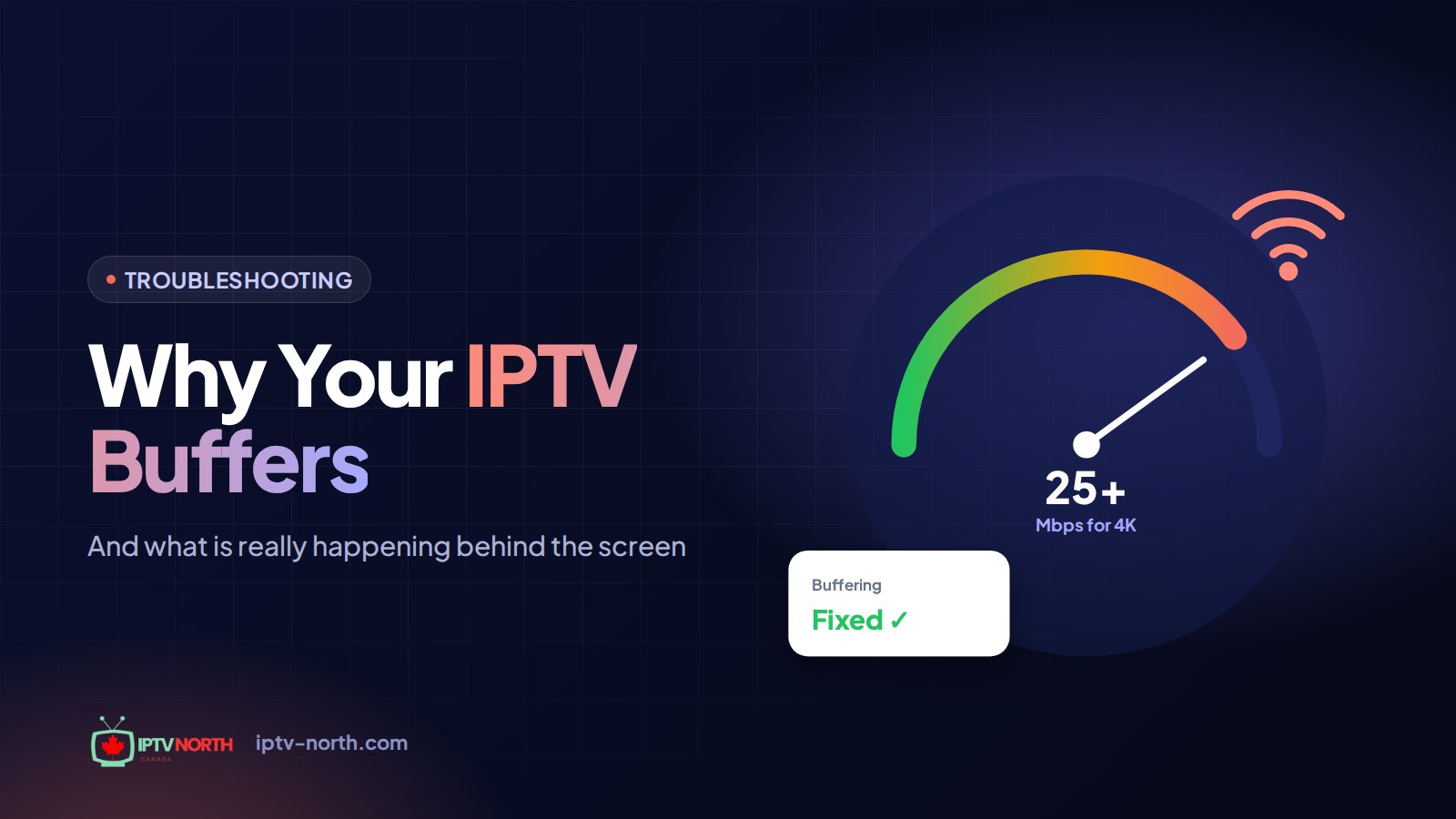
| HD / Full HD | About 25 Mbps | Moderate |
| 4K | 50 Mbps or more | High |
The catch is that the speed on your internet bill is not the speed that reaches the TV. It's shared with every other device in the house, and it's reduced by every wall, floor and appliance between the router and the screen. A 500 Mbps plan can still deliver only 15 Mbps to a stick behind a TV in a basement.
How to recognize it: buffering happens at any hour, gets worse in 4K, and improves right away when you lower the quality or move closer to the router.
Cause 2: Wi-Fi Interference and Signal Loss
Wi-Fi deserves its own category because it's the most unpredictable link in the chain. Unlike a cable, radio signals are affected by:
- Distance and obstacles — concrete walls, brick fireplaces, fridges and floors absorb signal
- Crowded channels — in a condo tower in Vancouver or an apartment block in Montréal, dozens of neighbouring networks compete on the same frequencies, especially on 2.4 GHz
- Microwave ovens and old cordless phones — they can disrupt 2.4 GHz traffic while running
- Many connected devices — smart speakers, cameras and phones all chat with the router
The result isn't always a slow average speed. It's often short drops of a second or two, which are exactly what drains a live buffer.
How to recognize it: a speed test on the TV looks fine one minute and poor the next, and the problem disappears when you connect the same device by Ethernet.
Cause 3: Peak-Hour Congestion Across the Network
Between roughly 7 and 11 p.m., a large share of households are streaming at the same time. That puts pressure on shared parts of the network that you never see: the cable node that serves your street, your ISP's regional links, and the connections between your ISP and the wider internet.
Think of it like the Décarie or the 401 at rush hour. The highway is the same size at 3 p.m. and at 5 p.m., but the traffic isn't. When those shared links fill up, every household on them gets less, even though nothing in your home has changed.
How to recognize it: daytime streams are smooth, evening streams stall, and speed tests run at 8 p.m. come in noticeably lower than tests run at noon.
Cause 4: ISP Traffic Management (Throttling)
Some internet providers manage traffic during busy periods, and video can be one of the categories affected. When that happens, a general speed test may still look healthy, because the test itself isn't treated as video, while your actual stream is held to a lower rate.
It's important not to jump to conclusions: congestion (Cause 3) and traffic management look similar from your couch. The difference is that congestion slows everything, while targeted management slows streaming specifically.
How to recognize it: speed tests look fine, web browsing feels normal, but video stalls, and the problem improves when the traffic is encrypted through a VPN. Our article on whether you need a VPN for IPTV in Canada explains how to run that test fairly.
Cause 5: Server Load and Distance
The first two stages of the journey happen on the provider's side. If a provider runs too few servers for its subscribers, or places them far from its audience, streams start to struggle when many people tune in at once, typically for big events like a Leafs–Habs game or the Grey Cup.
Distance matters too. Data travelling from a server on another continent takes longer and crosses more networks, and each extra hop is another chance for delay. A service built for Canadian viewers keeps the path short.
How to recognize it: every channel stalls at the same moment, on every device, even over a wired connection, and other subscribers report the same thing at the same time. No change on your end makes a difference.
Cause 6: The Device and the App
The last stage, decoding, depends on the hardware in your hand. Older sticks and smart TVs have limited memory and slower processors. Over time they fill up with cached data and background apps, and they can fall behind when decoding a demanding 4K or high-frame-rate sports channel.
The app matters too: some video engines handle live streams better than others on certain devices, and an outdated version may carry bugs that affect playback.
How to recognize it: the same channel plays smoothly on a phone or computer on the same network, but not on the TV device; or the device feels sluggish in menus, not just during playback.
Diagnosis Table: Which Cause Is Yours?
Use your own observations to narrow it down. Match the symptom in the left column with the likely cause.
| What you notice | Most likely cause | First thing to try |
|---|---|---|
| Stalls at any hour, worse in 4K | Bandwidth to the TV | Lower quality, test speed on the TV |
| Fine on Ethernet, poor on Wi-Fi | Wi-Fi interference | Cable, 5 GHz band, router placement |
| Smooth by day, stalls every evening | Peak-hour congestion or throttling | Compare speed tests at noon and 8 p.m. |
| Good speed test, video still stalls | Traffic management | One-evening VPN comparison |
| All channels, all devices, same moment | Server side | Contact the provider |
| Only one device misbehaves | Device or app | Clear cache, change player, update |
Three Quick Experiments That Settle Most Cases
- The swap test: watch the same channel on two devices side by side. If only one struggles, it's the device.
- The cable test: plug the TV device into the router for ten minutes. If the stalls vanish, it's Wi-Fi.
- The clock test: note stall times for a few evenings. If they cluster between 7 and 11 p.m., it's the network beyond your home.
Related Symptoms With the Same Roots
Buffering rarely travels alone. Three other annoyances usually point back to the same causes:
- Blocky or smeared picture — the player is receiving data, just not enough of it, so it shows a heavily compressed image instead of stopping. Same root as Cause 1 or 2.
- Sound drifting out of sync — when packets arrive unevenly, audio and video can land at slightly different times. Unstable Wi-Fi and congested evenings are the usual suspects.
- Channels that take ages to open — slow name lookups, a crowded device or a distant server can delay the first chunk. Often Cause 5 or 6.
Treat these as extra clues: they help confirm what the diagnosis table suggests.
What IPTV North Does on Its Side
We can't control your Wi-Fi or your ISP, but we can make sure the first two stages of the journey are solid. IPTV North is built for Canadian viewers and offers:
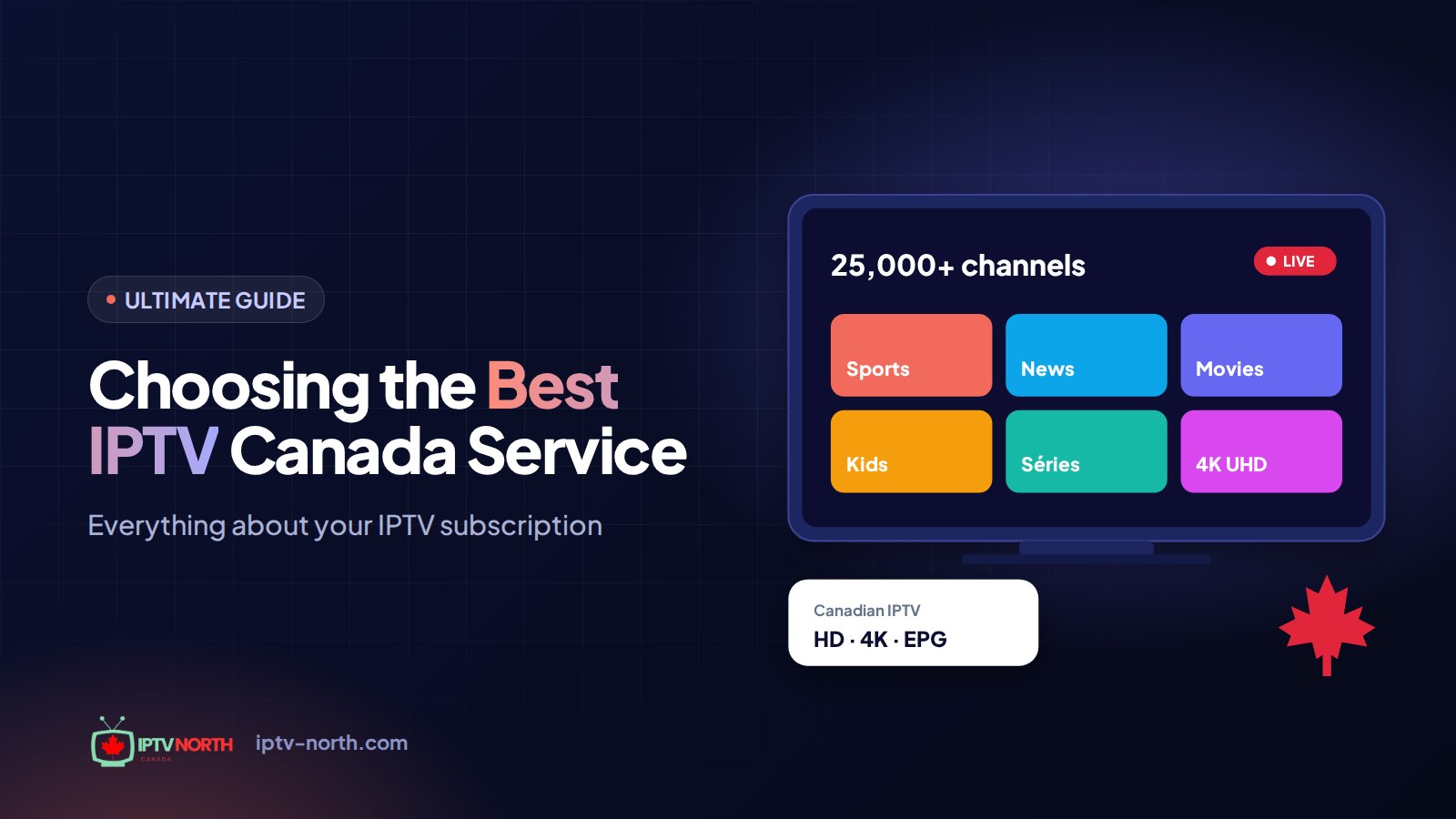
- 25,000+ live channels and 120,000+ movies and series, in 4K and FHD
- Multiple quality levels, so you can match the stream to your connection
- Support for the devices Canadians actually use: Fire TV Stick, Android TV, Smart TVs, Apple TV, iPhone and iPad, Windows and Mac, MAG, BuzzTV and Formuler
- Canadian support by chat and email (service@iptv-north.com), 24/7, to confirm quickly whether an issue is on our side or yours
The best way to judge is on your own connection, during your own busy hours. The 24-hour trial costs just $2.99 by Interac e-Transfer, so you can watch a full evening of games and see for yourself.
Frequently Asked Questions
Why does IPTV buffer when my internet plan is fast?
Your plan speed is what reaches your modem, not your TV. Wi-Fi losses, other devices on the network and evening congestion can cut the speed at the screen to a fraction of the advertised number. Test from the TV device itself to see the real figure.
Why do sports channels buffer more than movies?
Live sports leave the player only a few seconds of reserve, and fast motion often uses higher bitrates. On-demand movies can be downloaded well ahead of playback, so short dips go unnoticed.
Is buffering always my ISP's fault?
No. It can come from any of the six causes above, including your own Wi-Fi or an aging device. The diagnosis table helps you avoid blaming the wrong link in the chain.
How can I tell congestion from throttling?
Congestion slows everything in the evening, including speed tests and web pages. Throttling tends to slow video specifically while speed tests stay healthy. A side-by-side test with and without a VPN during peak hours is the simplest way to tell them apart.
Does the number of devices in my house really matter?
Yes. Every active screen, console update or cloud backup takes a share of your connection. With several 4K streams running at once, you need to add their requirements together, plus a margin for everything else.
Will a newer streaming device stop buffering?
Only if the device is the cause. If the swap test shows that another device plays smoothly on the same network, an upgrade will help. If every device struggles, look at your network or ISP first.
The Bottom Line on Why IPTV Buffers
Buffering isn't random. It's what happens when data reaches your player more slowly than the player shows it, and there are only a handful of places where that slowdown can occur: bandwidth, Wi-Fi, peak-hour congestion, ISP traffic management, the provider's servers, or your device. Figure out which one applies with the tests above, and you'll know exactly why IPTV buffers in your home.
From there, head to our hands-on guide to fix IPTV buffering, or compare our IPTV plans: 1 month for $19, 3 months for $29, 6 months for $49 or 12 months for $79 CAD, with no contract and payment by Interac e-Transfer.