Ask five friends whether you need a VPN for IPTV in Canada and you'll get five different answers. One swears it saved his Saturday night hockey; another says it made everything slower. Both can be right, because a VPN is a tool that fixes some problems and creates others.
This guide skips the hype. We'll look at what a VPN actually does to your stream, the situations where it clearly helps, the ones where it's a waste of money, how to pick a Canadian server, and how much speed you should expect to give up. By the end you'll know which camp you're in, and how to test it on your own connection in a single evening.
What a VPN Actually Does to Your IPTV Stream
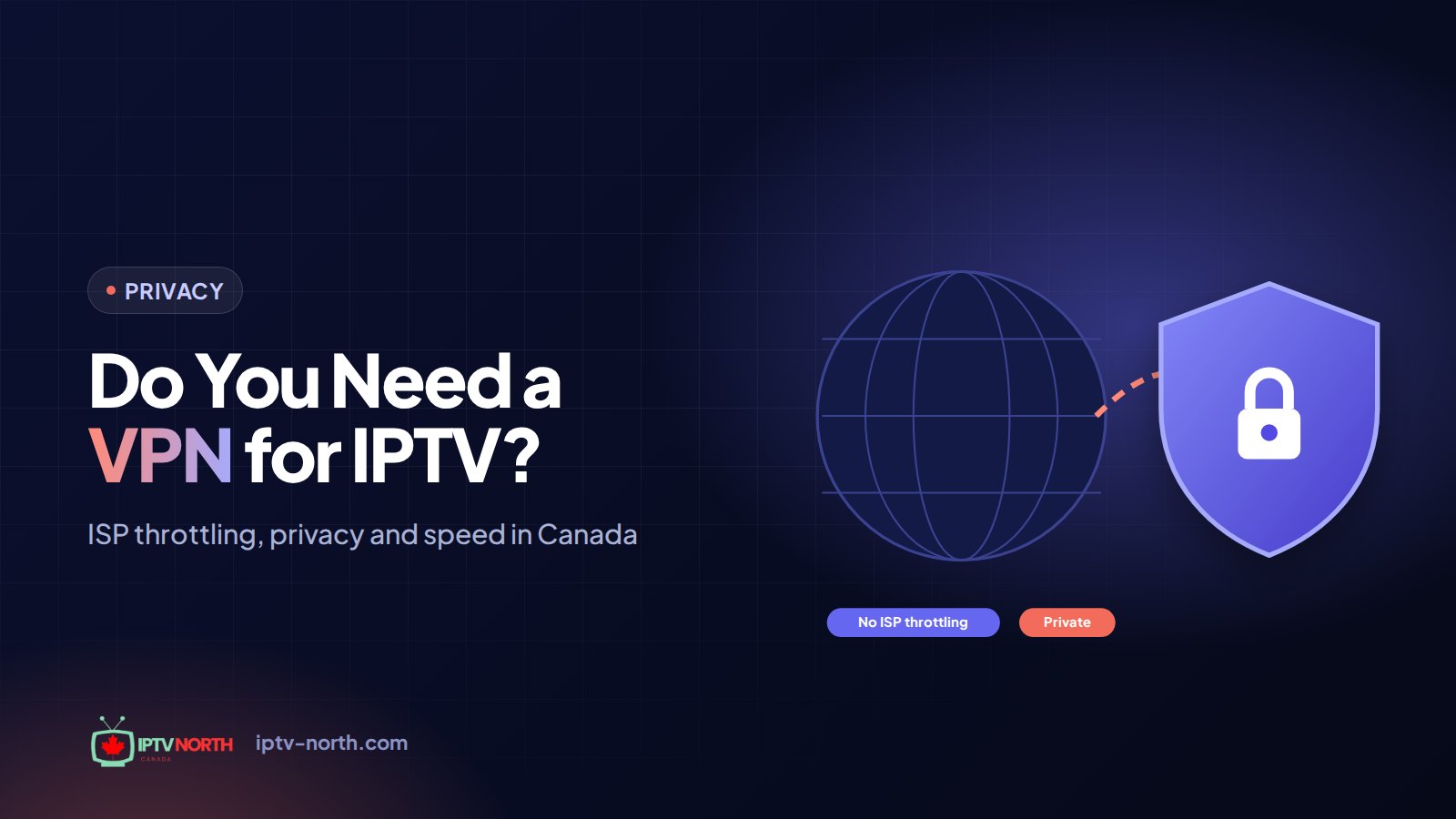
A VPN (virtual private network) wraps your internet traffic in encryption and sends it through a server run by the VPN company before it reaches the wider internet. Two consequences follow:
- Your ISP sees less. Rogers, Bell, Telus, Vidéotron or your local provider can see that you're connected to a VPN server, but not what's inside the traffic.
- Your traffic takes a detour. Instead of going straight from your home to the streaming server, data passes through the VPN server first. That adds distance and some processing.
Everything good and bad about using a VPN for IPTV comes down to these two effects. Hiding the traffic type can prevent certain slowdowns; the detour can create new ones.
A Word on Legality
Using a VPN is legal in Canada, and so is IPTV as a technology. Whether a particular stream is lawful depends on the rights to the content, not on the tool you use to connect. A VPN doesn't change that either way. For a broader overview, read our explainer on how IPTV works legally in Canada. This article is general information, not legal advice.
When a VPN for IPTV in Canada Is Worth It
1. Your Evening Streams Stall but Speed Tests Look Fine
This is the classic case. Some ISPs manage traffic during busy hours, and video can be affected while a speed test still looks healthy. Because a VPN hides the type of traffic, it can restore a steadier stream. The telltale pattern: smooth afternoons, choppy evenings from roughly 7 to 11 p.m., and normal web browsing throughout.
2. You Want More Privacy From Your ISP
Some people simply prefer that their internet provider not log which services they use and when. A VPN keeps that information between you and the VPN company, so choose one with a clear no-logs policy.
3. You Stream on Networks You Don't Control
Hotel Wi-Fi in Banff, the airport lounge at Pearson, a café in the Plateau, student residence networks: on shared networks, a VPN encrypts your connection so other users can't snoop on it. It's good hygiene for any app, not just IPTV.
4. You Travel and Want a Familiar Connection
When you're away from home, connecting through a Canadian VPN server can keep your connection path similar to what you have at home. Results depend on the distance to that server and the quality of the local network.
When You Can Skip the VPN
A VPN is not a universal fix. In these cases it adds cost and complexity without improving anything:
- Your streams are already smooth. If you don't have evening buffering, there's nothing for a VPN to fix.
- Your problem is Wi-Fi. A VPN can't make a weak signal stronger. Run an Ethernet cable or move to 5 GHz first.
- Your connection is simply too slow. If the TV receives 12 Mbps and you're trying to watch 4K, a VPN only adds overhead.
- Your device is struggling. Encryption uses processing power. On an older stick that's already sluggish, a VPN can make playback worse.
If any of these sound familiar, work through our hands-on guide to fix IPTV buffering before spending money on a VPN.
| Your situation | VPN recommended? | Why |
|---|---|---|
| Evening stalls, good speed tests | Yes, test it | May avoid traffic management |
| Public or shared Wi-Fi | Yes | Encrypts your connection |
| Want privacy from your ISP | Yes | Hides which services you use |
| Weak Wi-Fi signal | No | Fix the signal instead |
| Very slow connection | No | Adds overhead without extra bandwidth |
| Old, slow streaming device | Usually not | Encryption strains the processor |
| Everything already works | Optional | Only if privacy matters to you |
The Speed Cost: What to Expect
Every VPN takes something off the top. How much depends on three things:
- Protocol. Modern protocols like WireGuard (and the vendor versions built on it) are lean and fast. Older setups such as OpenVPN over TCP carry more overhead. Avoid outdated protocols like PPTP.
- Server distance. A server in your own province adds little delay; one across the country adds more; one overseas adds a lot.
- Server load. A crowded server at 9 p.m. can be slower than an empty one farther away.
On a good connection with a nearby server and a modern protocol, the loss is usually small enough that HD and 4K keep playing normally. On a borderline connection, even a small loss can tip a 4K stream into buffering. That's why testing on your own line matters more than any review.
How to Measure It Yourself
- Run a test at speedtest.net from the TV device without the VPN, around 8 p.m.
- Connect the VPN to a nearby Canadian server and run the test again.
- Watch the same busy live channel for 15 minutes in each state and count the stalls.
The stall count tells you more than the speed number. If playback is clearly smoother with the VPN, keep it. If not, turn it off.
VPN, Public DNS or Nothing?
People often confuse a VPN with simply changing DNS. They solve different problems:
- Public DNS (such as Cloudflare
1.1.1.1or Google8.8.8.8) only changes how your device looks up server addresses. It's free, adds no overhead, and can make channels open a little faster, but it doesn't hide or encrypt your traffic. - A VPN encrypts everything and reroutes it. It can help with traffic management and privacy, at the cost of some speed and a monthly fee.
- Doing nothing is the right answer when streams are already smooth.
A sensible order is: fix Wi-Fi first, try a public DNS second, and test a VPN only if evening stalls remain.
Choosing the Right Canadian VPN Server
Server choice is where most people go wrong. A few rules of thumb:
- Stay in Canada. Picking a Canadian server keeps the route short and your connection consistent.
- Pick the closest city. Toronto for most of Ontario, Montréal for Québec, Vancouver for BC, Calgary or Edmonton for the Prairies if available. The Maritimes usually do best with Montréal or Toronto.
- Avoid the "fastest server" button at peak hours. It sometimes routes you to a busy or distant location. Choose manually and compare two or three cities.
- Stick with a server that works. Once you find a good one, save it as a favourite so you don't reconnect somewhere random.
Features to Look For in a VPN
When comparing paid VPN services, check for:
- A native app for your device (Fire TV and Android TV especially)
- WireGuard or an equivalent modern protocol
- Several server cities within Canada
- A kill switch, so traffic stops if the VPN drops unexpectedly
- Split tunnelling, so you can decide which apps use the VPN
- A published, ideally independently audited, no-logs policy
- A refund window long enough to test during a week of evening games
Avoid free VPNs for streaming. Data caps, overcrowded servers and questionable privacy practices usually make them worse than no VPN at all.
Setting Up a VPN on Fire TV Stick and Android TV
The steps are similar on most devices:
- Open the app store on your device and install your VPN provider's app
- Sign in, then open the settings and select the WireGuard protocol if offered
- Turn on the kill switch
- Choose a Canadian server in the city nearest you and connect
- Launch your IPTV player and test a live channel
If you haven't set up your player yet, our Fire TV Stick setup guide covers that part step by step. For other devices, see the full installation guide.
Router or Device?
Installing a VPN on your router protects every device in the house at once, which is convenient but sends all traffic through the tunnel, including video calls and gaming. Installing it on the TV device only gives you more control and makes testing easier. For most households, start on the device.
Common VPN Problems With IPTV and Quick Fixes
| Problem | Likely cause | Fix |
|---|---|---|
| Stream won't start with VPN on | Server blocked or overloaded | Try another Canadian city |
| More buffering than before | Distant server or heavy protocol | Nearer server, switch to WireGuard |
| VPN disconnects during games | Unstable Wi-Fi or server | Enable kill switch, use Ethernet, change server |
| Audio drifts out of sync | Jitter on a busy route | Closer server, lower quality temporarily |
| Other apps slow down too | All traffic in the tunnel | Use split tunnelling for the IPTV app |
If IPTV still won't play after these steps, turn the VPN off completely and test again. If it works without the VPN, the VPN is the problem; if it doesn't, see our guide for when IPTV is not working in Canada.
How IPTV North Fits In
IPTV North works with or without a VPN. Our Canadian support team, available 24/7 by chat or at service@iptv-north.com, can help you check whether a VPN is improving or hurting your stream. You get 25,000+ live channels and 120,000+ movies and series in 4K and FHD, on Fire TV Stick, Android TV, Smart TVs, Apple TV, iPhone and iPad, computers, MAG, BuzzTV and Formuler.
The easiest way to test is the 24-hour trial for $2.99: paid by Interac e-Transfer, no contract. Watch an evening of games with and without your VPN and compare.
Frequently Asked Questions
Do I need a VPN to watch IPTV in Canada?
No, it isn't required. Many viewers stream smoothly without one. A VPN is an optional tool that can help with evening slowdowns, privacy and public Wi-Fi.
Will a VPN make my IPTV faster?
Only if your ISP is slowing video traffic. In that case, streams can become steadier. Otherwise, a VPN typically reduces speed slightly because of encryption and the extra hop.
Which VPN server should I choose for IPTV?
A Canadian server in the city closest to you. Compare two or three nearby options during peak hours and keep the one with the fewest stalls.
Does a VPN affect my IPTV account or billing?
No. Your login, plan and payment stay exactly the same. The VPN only changes the path your data takes across the internet.
Can I use a VPN with Interac e-Transfer payments and my account?
Yes. Payment by Interac e-Transfer is done through your bank and has nothing to do with the VPN. You can leave the VPN on or off while managing your account.
Is a free VPN good enough for IPTV?
Usually not. Free services tend to have data caps, busy servers and slower speeds, which often make buffering worse. If you decide a VPN is worth it, choose a reputable paid service.
Verdict: Do You Need a VPN for IPTV in Canada?
For most households with a stable connection, no. A VPN for IPTV in Canada earns its place when you see evening stalls despite good speed tests, when you value privacy from your ISP, or when you often stream on public networks. If that's you, pick a paid service with WireGuard, a kill switch and several Canadian cities, connect to the server nearest you, and test it during your own peak hours.
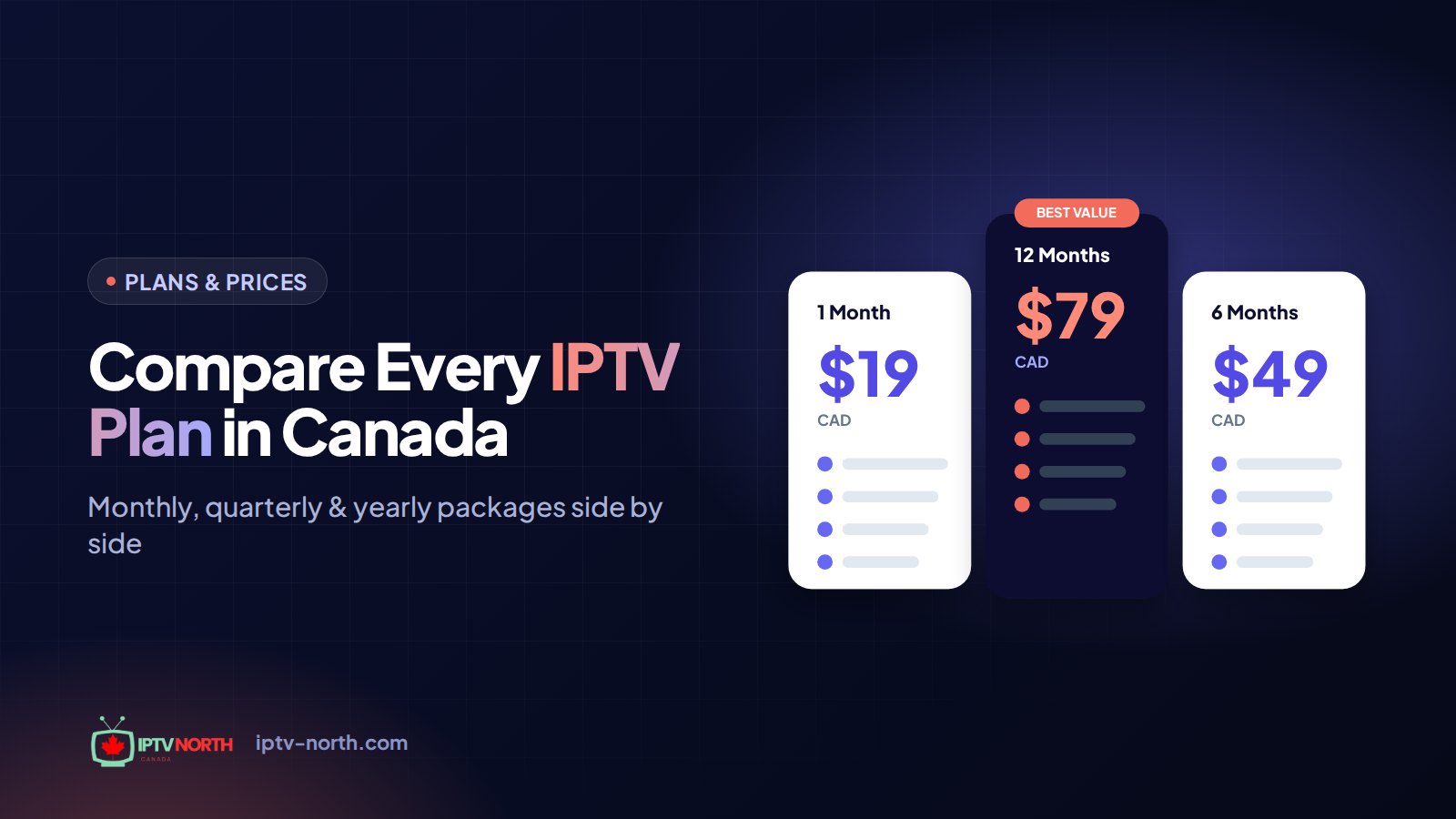
If you're still choosing a service, compare our IPTV plans: $19 for 1 month, $29 for 3 months, $49 for 6 months or $79 CAD for 12 months, with no contract.